
I spend much of my workday at a desk, and for a long stretch I ended most afternoons with a dull ache between my shoulder blades. I assumed it was simply part of the job, but it was not. The real culprits were my chair, my screen height, and the fact that I barely moved for hours.
If you work from a kitchen table, a spare-room desk, or a corner of the sofa, your back is probably paying a quiet tax too. The good news is that fixing it does not require an expensive chair or a standing desk you will resent buying, since most of what helps is free and can be set up this afternoon.
Here is the order I would tackle it in, working from the floor up to the screen, plus the movement habits that matter more than any gadget.
Start From the Floor, Not the Chair
Good sitting begins with your feet. When they rest flat and your knees sit at roughly a right angle, your pelvis settles into a neutral position and your lower back keeps its natural curve. When your feet dangle instead, your thighs take the pressure and your back rounds to compensate, which slowly breeds stiffness.
Sit all the way back so your hips meet the back of the seat. If your feet do not reach the floor, raise them onto something stable. A footrest is nice, although a stack of books works just as well, and I relied on a ream of printer paper for months.
Slide a hand under your thigh just behind your knee, because that gap reveals a lot about your seat height. If it is hard to fit your hand in, your seat is too high or you are perched too far forward, so drop the seat or scoot back.
Set Your Hips Slightly Above Your Knees
Common advice says to keep hips and knees level, yet a slight downward slope from hip to knee is often kinder to the lower back. It opens the angle at your hips and discourages the slumped posture many of us drift into by mid-afternoon, when focus starts to fade.
Adjust your chair height so your elbows land near the level of your desk. If your chair will not go low enough, that footrest from step one earns its keep. The aim is a relaxed posture you can hold for hours without clenching.
Support the Curve in Your Lower Back
Your lumbar spine has a gentle inward curve, and a good setup preserves it rather than flattening it. Many chairs leave a gap right there, which is why your back slowly rounds backward over a call-heavy morning until the discomfort is hard to ignore.
Roll up a small towel and place it at the small of your back, exactly where your spine curves in. It should feel like a soft prompt to sit tall, not a brick shoving you forward, and this single change did more for my afternoon comfort than any other tweak here.
These adjustments are meant for everyday stiffness and prevention, and they are never a substitute for medical care. If you have sharp, radiating, or persistent back pain, numbness, or tingling, please consult a qualified healthcare professional rather than self-managing it with a cushion.
Bring the Screen Up to Your Eyes
Look at where the top of your screen sits right now, because that detail quietly governs your neck. If you are gazing down at a laptop on the desk, your neck is bent forward. Your head weighs a surprising amount, and it drags on your neck and upper back for hours.
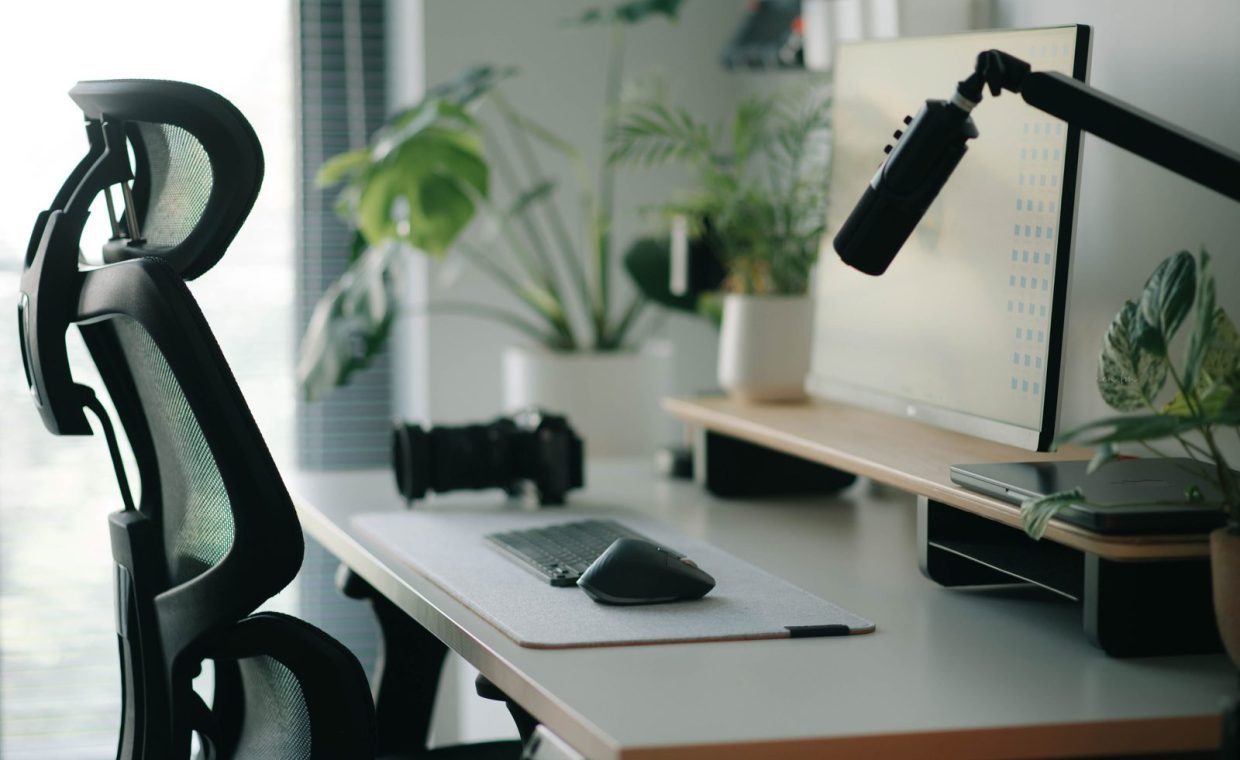
Raise the screen so the top third sits at roughly eye level, about an arm's length away. A laptop stand is ideal, although a sturdy stack of books does the same job. The catch with laptops is that lifting the screen raises the keyboard too, so pair the lift with an external keyboard and mouse.
If you use two monitors
Put your main screen directly in front of you rather than off to one side, so you are not twisting your neck all day. If you split your time evenly between both, center the gap between them and angle each one slightly inward.
Relax Your Shoulders and Drop Your Elbows
Once the screen is sorted, check your arms, because they often hide tension you have stopped noticing. Your shoulders should sit down and relaxed rather than hiked toward your ears. Your elbows should hang close to your body at roughly a right angle, since keyboards perched too high are a sneaky cause of aching shoulders.
Keep the mouse close and on the same level as the keyboard, so you are not reaching forward or out to the side. Wrists should stay fairly straight rather than cranked up or bent down, because small repeated angles add up across thousands of clicks a day.
Pinning a phone between your ear and shoulder during calls is a fast way to strain your neck, since it locks the muscles into an awkward angle. Rely on speaker mode or a headset instead, especially on long calls.
Make Movement the Real Backbone of Your Day
Here is the honest part, because even the best posture becomes a problem if you hold it for eight hours straight. Bodies are built to move, so the most protective thing you can do is interrupt your stillness often, well before any ache settles in.
A rule that works for me is simple: every time I finish a task or a meeting, I stand up. Even thirty seconds of standing and a gentle backbend resets things, and some people set a timer for every 30 to 45 minutes. Pair the break with a glass of water and you build two habits at once.
If you want movement to stick, it helps to understand why most habits fail and how to build ones that actually last, because the modest break you take consistently beats the perfect routine you abandon by Wednesday. Attaching a stretch to something you already do, such as refilling your coffee, is what makes it automatic.
Build a Two-Minute Reset Into Your Routine
A short, deliberate reset keeps stiffness from accumulating, and it needs neither a gym nor a mat. Try working through this gentle sequence once or twice a day, whenever your body starts to feel locked in place:
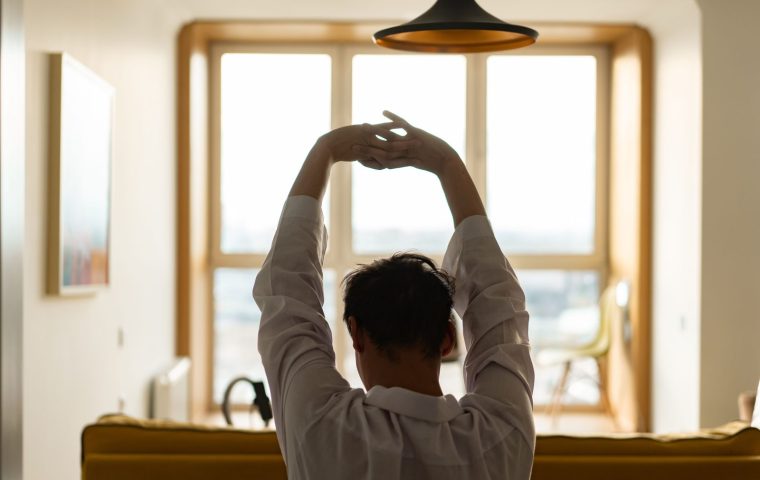
- Stand and reach both arms overhead, lengthening your spine for one slow breath.
- Gently roll your shoulders backward five times, then reverse the motion forward another five times.
- Clasp your hands behind your back and open your chest, countering the forward hunch.
- Do a slow standing backbend with hands on your lower back, only as far as feels easy.
- Turn your head slowly side to side, releasing the tension that gathers in the neck.
None of this is dramatic, and that restraint is the point, because gentle and frequent beats heroic and abandoned. These micro-breaks support your head as well as your spine, since stepping back from the screen helps with sharpening focus in a world full of distractions, so a posture reset doubles as a concentration reset.
Keep your feet flat and supported, your hips a touch above your knees, your lower-back curve cushioned, your screen top at eye level, and your shoulders relaxed with elbows low, while building in movement roughly every half hour. Get those right and your back will thank you by 4 p.m.
Think of This as a Long Game
Small daily strain compounds over time, although small daily care fortunately compounds the same way. A desk setup you tweak once and movement habits you keep for years are unglamorous choices that protect you decades from now, and they sit alongside the other everyday habits worth starting early for healthier later decades.
You do not have to attempt all eight steps today, so instead pick the one that sounds most like your problem, fix it, and add the next one next week. A back that feels good at day's end is built from small, repeatable choices rather than one expensive purchase.
Do I really need an expensive ergonomic chair?
No, you genuinely do not. A supportive chair helps, yet most of the benefit comes from how you set up your existing seat, where your screen sits, and how often you move. A rolled towel for lumbar support and a stack of books to raise your laptop cost nothing while addressing the biggest issues.
Is a standing desk better than a sitting desk?
Neither option is automatically better, because standing all day can cause its own aches in the feet, knees, and lower back. The healthiest pattern is variety, so alternating between sitting and standing while moving regularly tends to beat committing to one position for hours.
How often should I take a break from sitting?
A practical target is a brief movement break every 30 to 45 minutes, even if it is just standing and stretching for half a minute. Tying the break to a natural cue, such as finishing a meeting or refilling your water, makes it considerably easier to remember.
Start small and let it build, so fix your feet today, your screen tomorrow, and your movement habit over the next couple of weeks, and you will likely notice the difference before the month is out. Your spine does most of its work quietly, which is why a little daily attention goes a long way.